AI Support Chatbot with Human Handoff
Reduce repetitive tickets with AI answers and escalation to humans—and track deflection and handoff rates in Byra.
Automated Communication
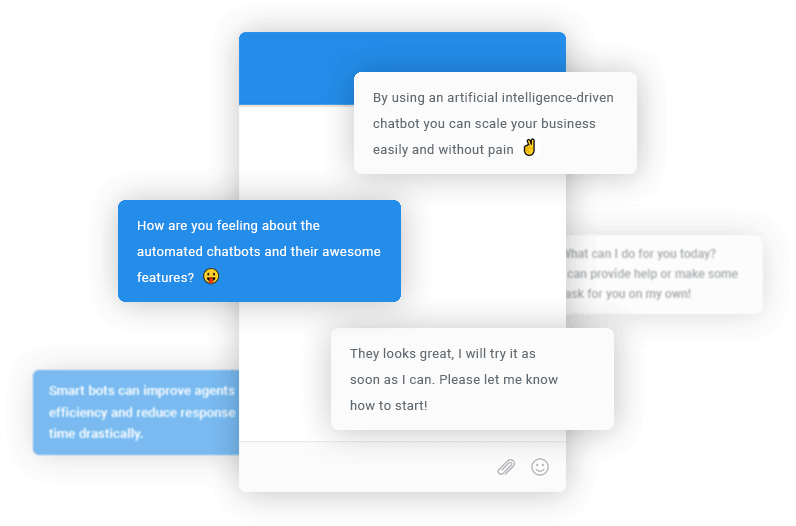
The chatbot replies autonomously to visitors' messages when it knows the right answer. When it can't access the correct response, a human agent will reply and take control of the conversation.
- Automated communication
- Easy 30-second installation
- Custom chatbot reply delay
- Human-like conversations
Easy to Use. Easy Chatbot Setup.
No Coding Skills Required
Configure your bot in Byra: custom Q&A, PDFs, website or sitemap, and flows. Data sources train the AI so it answers from your content.
Learn While You Build
Start with a basic chatbot and add contexts, entities, and handoff rules when you're ready. Byra supports OpenAI and Google AI.
Handoff That Keeps Context
Handoff in Byra means the full conversation and any bot context are passed to a live agent in the same inbox—so agents see what the bot already tried and can reply without asking again.
Benefits
Improve Workflows and Productivity
Using bots can help reduce agents' stress by automatically answering repetitive and boring questions.
Decrease Agents' Workloads
Reduce repetitive tickets with AI answers and escalation to humans (track deflection and escalation rate).
Bots Run Your Website 24/7
Save time and money by letting the chatbot work on your website 24/7. The chatbot remains active, day and night.
Become a Better Problem Solver
With chatbots, your users' questions are instantly answered in mere seconds, maximizing their satisfaction and loyalty.
Automatically Qualify Leads
Connect with potential leads in real time and automatically obtain user details through human-like conversation.
Increase Conversion Rates
Use your online presence, instant replies, and professional communication to increase your conversion rate.

Create Chatbots using Your Data
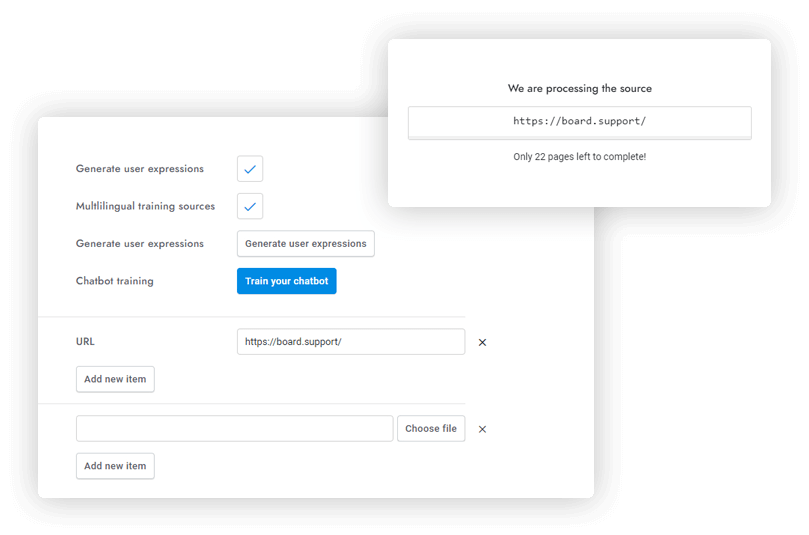
Get a ChatGPT-inspired chatbot for your data! Simply upload your documents or provide a link to your website and watch the magic happen. Enhance its strength by pairing it with Flows, Q&A, and Google AI.
- Train your chatbot automatically using your website, XML sitemaps, PDFs, JSON files, and other documents
- Automatically re-train the chatbot at regular intervals
Human Takeover
If OpenAI can't respond, utilize the human takeover function to transfer the conversation to a live agent.
Multilingual Chatbot
Make your chatbot multilingual in one click using the powerful Google AI's multilingual features.
Unlimited OpenAI Assistants
Add as many assistants as you wish and selectively activate them on specific areas of your website.
Real-time Data
The chatbot is capable of answering questions about real-time information such as latest news or recent events.
Message Rewriting
Rewrite messages from agents and make them more friendly and professional, add greetings and more.
Smart Reply
Saves agents time by suggesting quick replies to agents' messages based on user messages.
Automatic Training
Automatically train the chatbot with your contents and conversations at regular intervals via cron job or API.
Fine Tune OpenAI
Adjust every setting of OpenAI and ChatGPT like temperature, custom models, frequency, and more.
Everything ChatGPT Can Do
Add new skills to your chatbot with OpenAI tools calling, including web search, booking, e-commerce, and more.
Questions and Answers
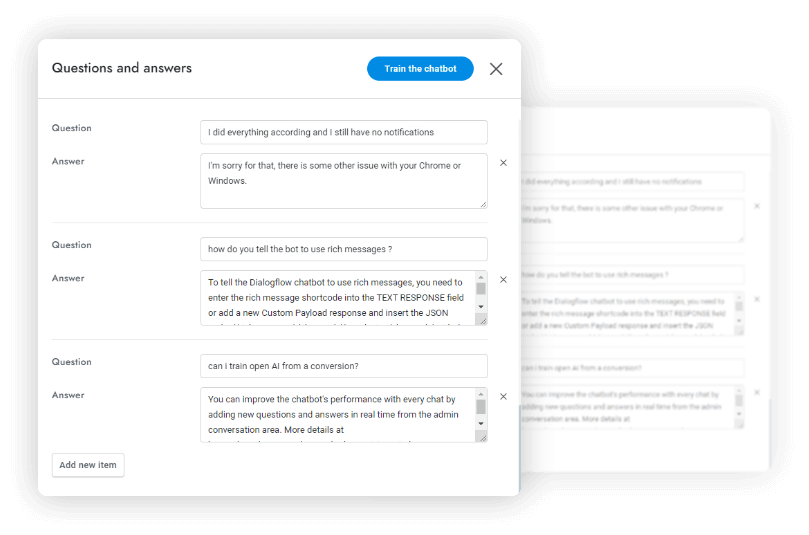
Add new Q&A in one click from the conversations. Create variations of user questions using AI, letting your chatbot answer questions in different ways! Perform actions, such as sending emails or populating any user detail.
- Create Intents, Intents Questions, and Answers from conversations
- Multilingual chatbot in 115+ languages
Multilingual Chatbot
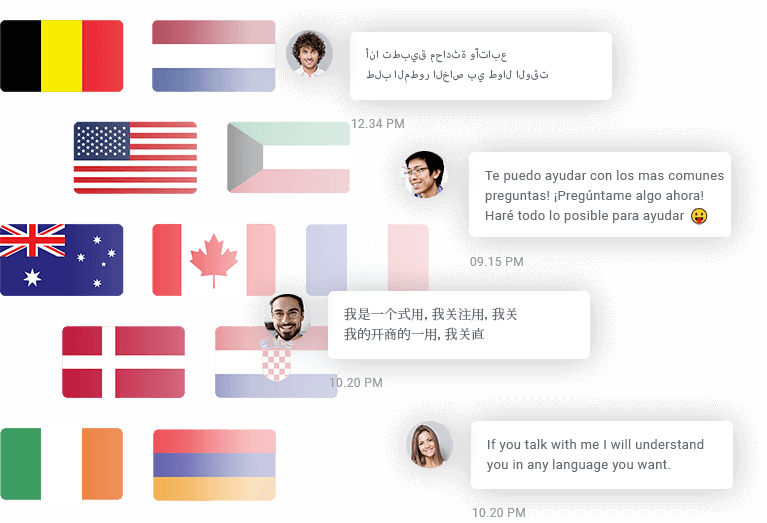
Create a multilingual chatbot capable of responding in 115+ languages, detecting and translating user messages in real time. Detect the languages of user messages and automatically translate users' messages before sending them to OpenAI and Google AI.
- Multilingual chatbot in 115+ languages
- Automatic chatbot response translation
Human Takeover
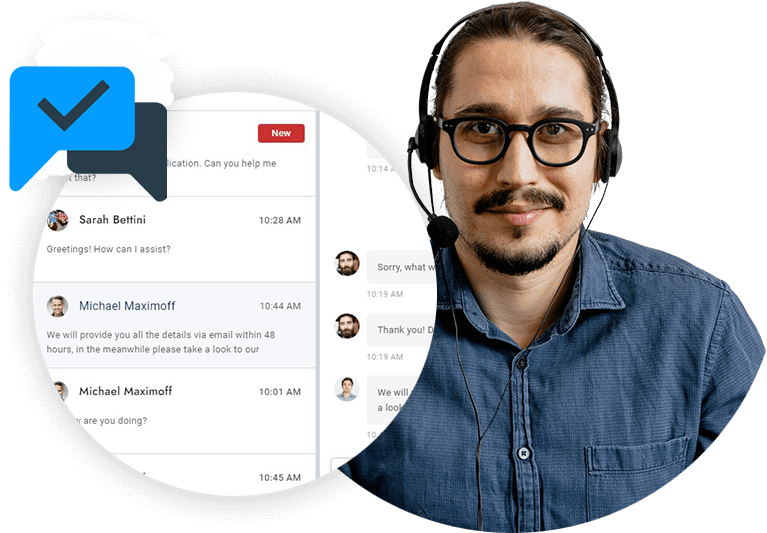
Enjoy chatbot replies and a real-time human agent takeover that enables a live agent to respond at any time. The human takeover automatically initiates when the agent manually replies, when the OpenAI API is down, or when the chatbot is unable to respond.
- Manual human takeover
- Fallback actions
- Automatic human takeover
Flows
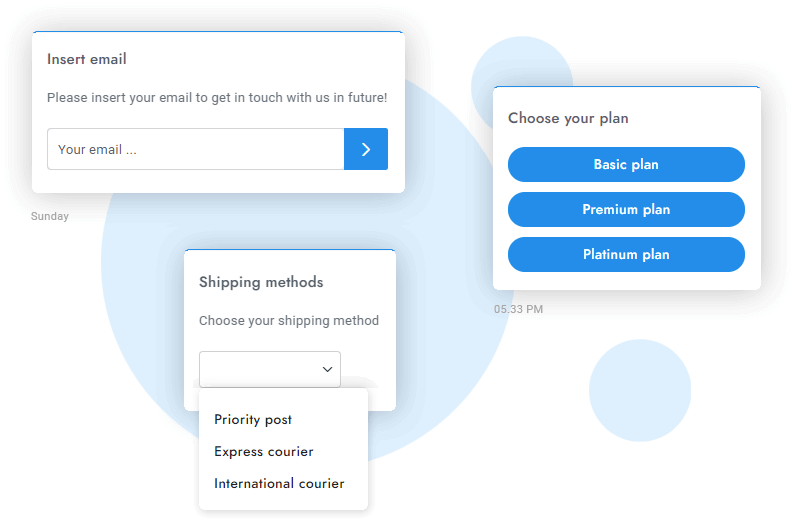
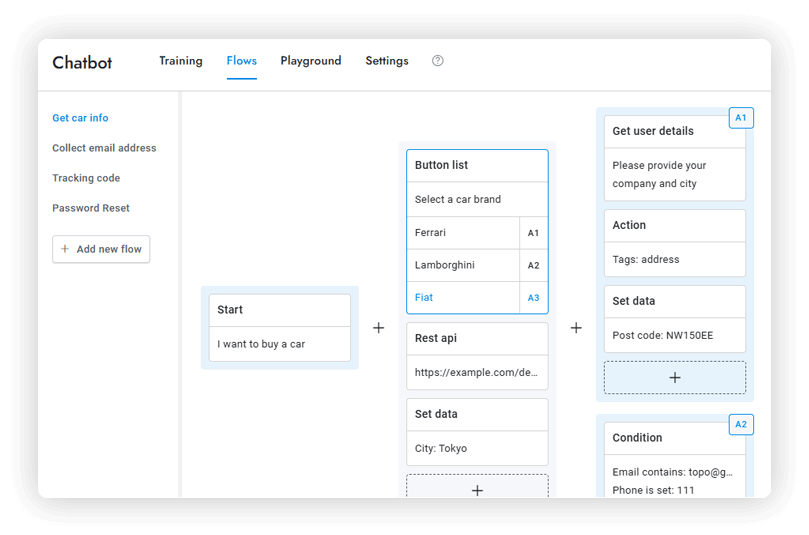
Create robust, automated conversations with drag-and-drop wizards and multiple input types (options, images, forms, etc.). Execute actions, collect data, and more.
If you're familiar with chatbot flows, you can skip the tutorials. However, if you prefer to learn as you go, we have easy-to-follow Flows documentation.
- 50+ input types (buttons, forms, images, rating...)
- Drag-and-drop wizard
- Collects user details
- Conditions and criteria
- Fallback actions
- 15+ actions
Conversational Mode
Human-like conversations: AI interprets messages and selects options, continuing as if a button were pressed.
Step-Back Updates
Users can go back to the previous steps and update details with messages like "Wrong email" or "Go back".
Messaging Channels
Compatible with all messaging channels like WhatsApp, with options selection working in conversational mode.
Tools Calling
Use OpenAI tools to request and validate user data like tracking codes and fetch real-time answers from external sources.
Set Data
Capture specific user details such as email, address, and custom fields when the question is triggered.
Actions
Perform advanced actions like archiving conversations, sending emails to agents, initiating human takeover, and more.
Speech Recognition
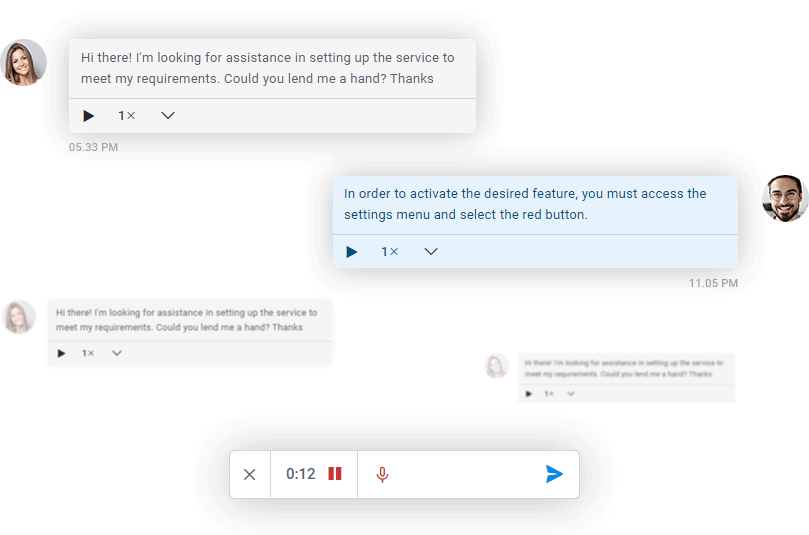
Instantly convert audio messages into written text with the OpenAI transcription technology. The text will be displayed alongside the audio player in real-time.
- Compatible with the translations feature
- It works for users, admins, and the chatbots
Image Recognition
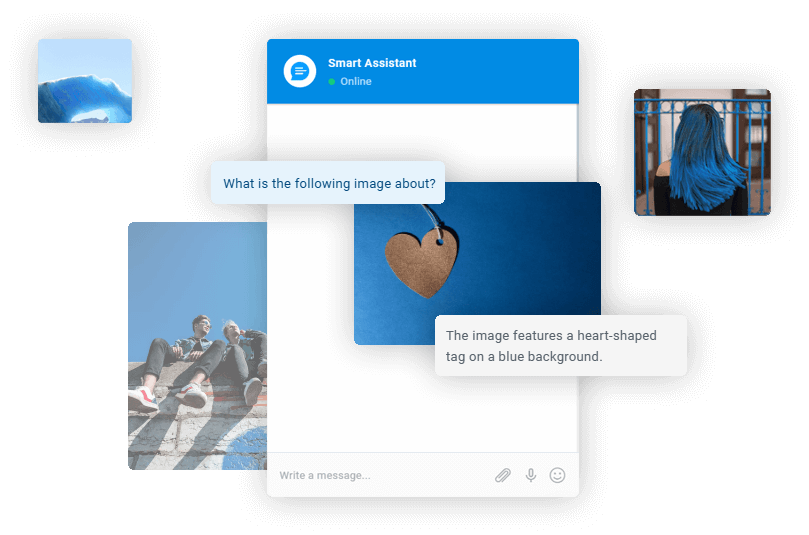
Unlock the power of OpenAI Vision: Let our advanced chatbot analyze and understand images, delivering smarter insights and faster solutions to transform your workflow!
- Analyze multiple images at same time
- Supports GIF, WEBP, PNG, JPG, and more formats
Chatbot Training on the Fly
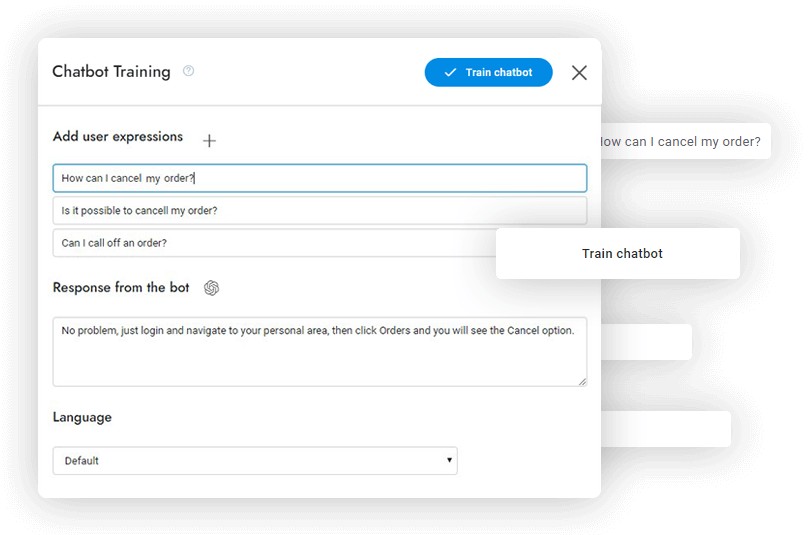
Improve the chatbot's performance with every chat by adding new Q&A in real time. In a click, agents can teach the OpenAI chatbots new answers. OpenAI will create variations of the question to enhance the chatbot.
- OpenAI enhancment
- Have your agents train the chatbot
- Multilingual training
Chatbot Actions
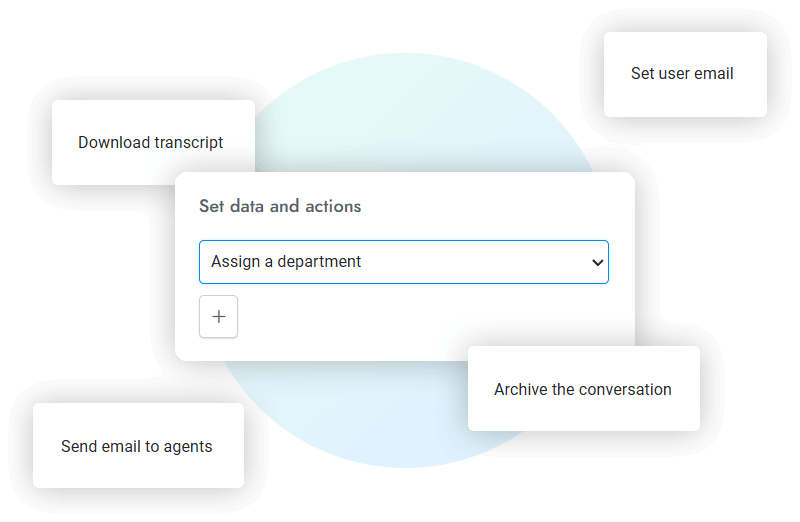
Empower your chatbot to take actions on behalf of users, such as sending emails, opening articles, switching departments, starting a human handoff, and more. Both Flows and Q&A support this functionality.
- More than 10 actions available
- Allow the chatbot to act on behalf of the user
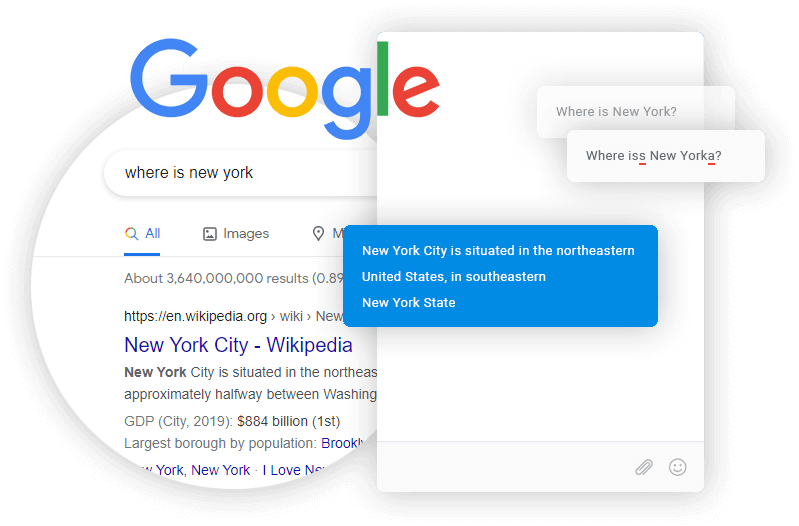
Chatbot Live Web Search
Give your chatbot the ability to search for answers on the web via Google search. With this feature, the chatbot can provide answers to questions about recent events and real-time information.
- The chatbot answers questions about real-time events
- Correct misspelled user questions
Rich Messages
The chatbot's functionality is on par with that of a human agent! It can send attachments, media, rich messages, which are easy to create and insert into the chatbot's message.
- Rich messages as shortcode
- Attachments and media
- 10+ rich message types